Node 26 is still Current: plan an LTS migration without guessing
As checked on 10 October 2026, Node 26 is Current while 24 and 22 are LTS. Separate version availability, support policy and application compatibility.
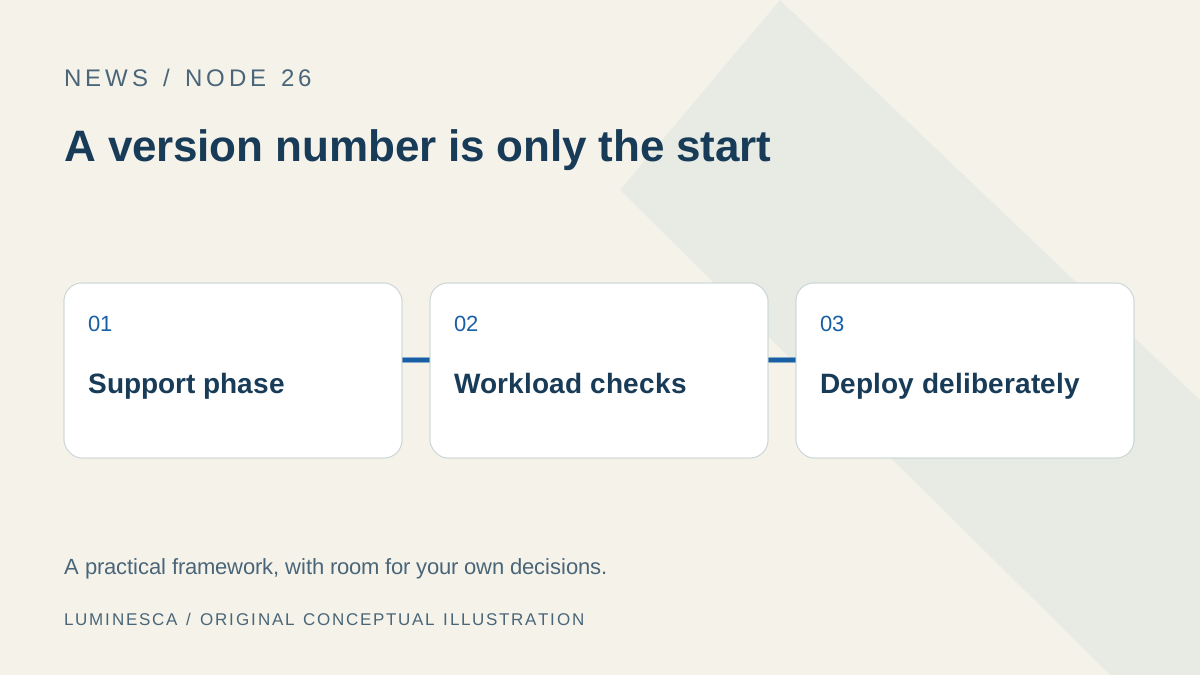
Read the support phase beside the version
At our 10 October 2026 check, the Node.js release table lists version 26 as Current, versions 24 and 22 as LTS, and version 20 as end of life. The project recommends Active LTS or Maintenance LTS for production applications. Reopen the table before deploying; these states change over time.
Node 26’s release announcement establishes that the major version is available. That is a different question from whether it has entered a long-term support phase. The distinction matters when a deployment environment or dependency requires a supported runtime rather than simply the highest version number.
Find every place that chooses a runtime
A developer machine may run a newer runtime while the build job and production service use older ones. List the version source for each environment: local version manager, repository configuration, CI setup, container image, hosting dashboard and scheduled job. Include scripts invoked by another application, because their runtime may be bundled rather than inherited from your terminal.
| Environment | Where the version comes from | Evidence |
|---|---|---|
| Local development | Version manager or installed executable. | Version printed by the command actually used. |
| Build / CI | Workflow, build image or hosting setting. | Job log and the resulting artifact. |
| Production | Container, service or provider configuration. | Runtime reported by the deployed process. |
| Background work | Scheduler or application bundle. | Job log with version and workload result. |
The purpose is to expose differences before changing them. One successful local build does not show which runtime created the artifact that users received.
Test the package boundary and the workload boundary
The 26.0.0 notes include changes to core APIs and dependencies. Read the named change that intersects your application instead of assuming that every major update behaves the same. A dependency’s declared engine range is useful evidence, but it does not exercise your workload.
Use the existing lock file for a repeatable installation in a separate environment. npm’s npm ci is intended for a clean, lock-file-based install and fails on a mismatch between the manifest and lock file rather than updating the lock to make them agree. Record an installation failure before changing dependency versions; otherwise you may turn a runtime comparison into a combined dependency upgrade.
After installation, run the actual build and at least one meaningful path through the application. Include a boundary such as a native module, file conversion, cryptographic operation or network response if it is central to your workload. An empty server that listens successfully proves very little about those paths.
Use support policy as a gate, then compare compatibility
- Record the current supported production runtime and its support state.
- Check whether the proposed replacement meets the organization or provider’s policy.
- Build in a separate environment with the same source and dependency definitions.
- Compare representative outputs and the deployed start command.
- Roll out with a rollback reference and observable acceptance checks.
If the proposed version is still Current at the decision date, keep experiments separate from the production support decision. A future schedule is a plan; a release table updated after an actual transition is stronger evidence that the transition occurred.
Keep the article’s date visible in the decision
This article intentionally dates its support-state claim. If you read it after October 2026, use the live table rather than carrying today’s status into a later deployment. The underlying method remains useful even when the version numbers change.
Write a short decision record: chosen version, support state, workload tested, unresolved incompatibilities and who can restore the previous deployment. That record is more actionable than “we upgraded to the newest Node.” It also makes a later security or dependency update easier to assess because the starting conditions are explicit.
No claim is made here that a future LTS transition has already happened, that a major version guarantees a faster application, or that our own development environment is your production acceptance test.
Sources: review and scope
Sources checked 10 October 2026. Independent, AI-assisted writing checked against the specific references below. This article separates facts in the linked publications from our own suggested decision framework. Calculations use explicitly stated assumptions. We do not claim a production migration, a performance benchmark or a prediction independently verified as an outcome.
- Node.js: live release status table, checked 10 October 2026
- Node.js 26.0.0 release announcement and breaking changes
- Node.js Release Working Group: schedule and support phases
- npm: clean installation using npm ci
Send a correction with the page, source and relevant version or travel date.