By Luminesca · Updated 2026-09-08 Analysis compiled from public reporting with AI-assisted drafting. See our editorial policy.
📅 Aug 3, 2026🏷️ AI / Image🎨 Free tiers that are actually worth your time
🎨
Free AI image generation in 2026 is genuinely good: the leading platforms give you high-quality output, commercial rights and a daily quota at no cost. The differences are in style control, speed, and how generous the free tier is. This ranking separates the tools worth your time from the ones that are just marketing.
The top tier belongs to the platforms built on the latest open-weight diffusion and autoregressive models, which now produce photorealistic and stylised images comparable to paid frontier services. The best free options let you generate with no watermark, retain commercial rights, and offer a sensible daily allowance rather than a one-time trial.
What separates the leaders in 2026 is control: prompt adherence, negative prompts, aspect-ratio settings and style presets. A free tool that follows your prompt closely beats a paid one that ignores it. Test any tool with the same handful of prompts - a portrait, a product shot, a fantasy scene - before committing to a workflow.
For commercial work, licensing is the real differentiator. Always check the license terms: some free tiers permit commercial use of generated images, others restrict it. If the images will appear in products, ads or client deliverables, only use tools whose terms explicitly allow commercial use - and keep a copy of the license page.
Workflow matters too. The best tools offer API access, batch generation, image-to-image editing and upscaling - features that turn a novelty into a production tool. Several leaders now let you edit an existing image with text instructions, which is often more useful than generating from scratch.
If your goal is privacy or zero cost at volume, the open-source route deserves a look: running a capable model locally gives unlimited generation with no quota and complete data privacy. Our local Stable Diffusion guide walks through the setup, and for a free cloud option the image tools on handle the post-processing side - compressing and optimising generated images for web use without any data leaving your browser.
The ranking in one line: pick the free tier of the current leader for general work, a dedicated stylised model for art, and a local setup for privacy or unlimited volume. Whichever you choose, build a review step into your workflow - generated images still benefit from a human eye on composition and detail.
Visual Highlights
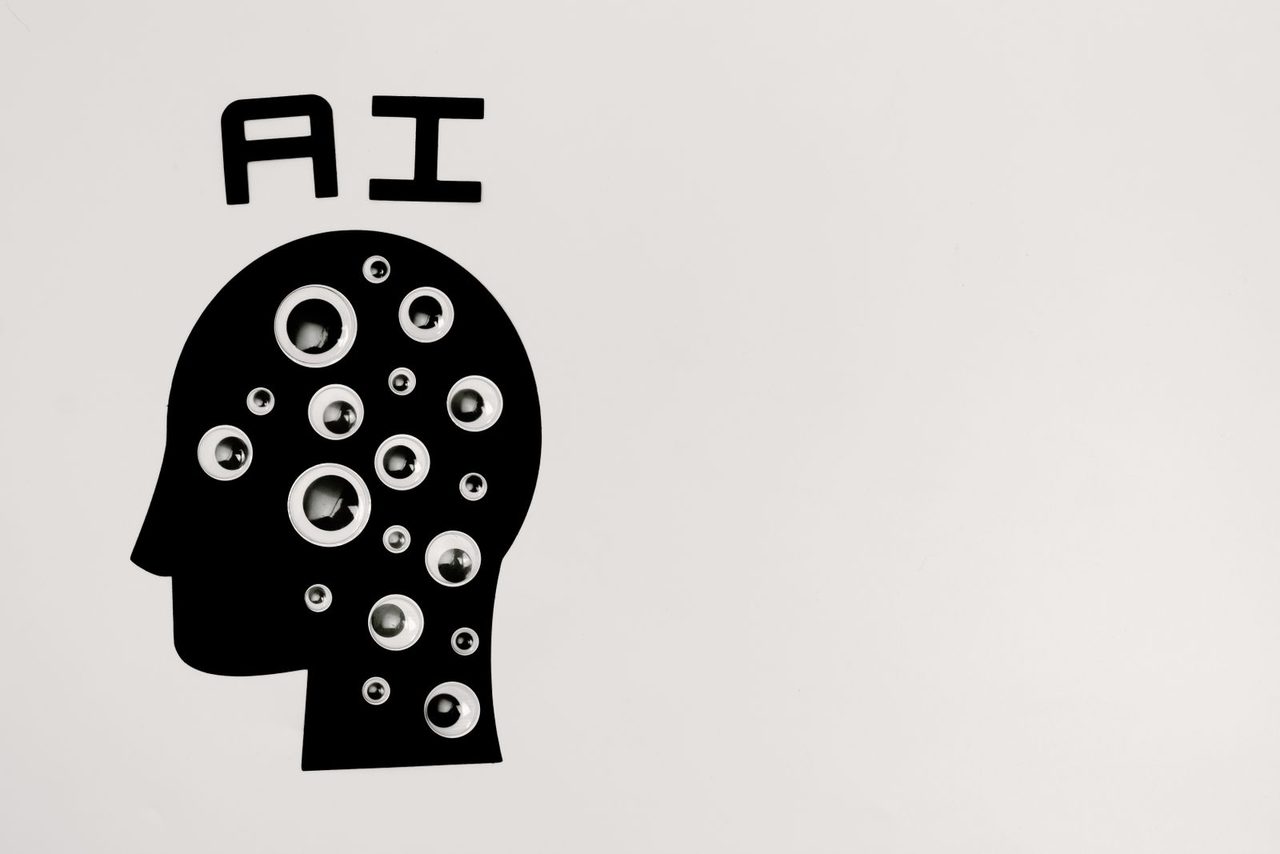
Generative AI art - the free tiers of 2026 are powerful enough for real creative work.
Prompt style matters as much as the model.
Style vocabulary is free quality. The same subject renders dramatically differently with a few added words: lighting terms (soft rim light, overcast), lens terms (85mm, shallow depth of field), and medium terms (watercolour, isometric, editorial photo) steer the model more than most settings do. Build a small personal style library - a dozen phrases you have verified on your platform of choice - and reuse it. This is why two people using the same free tool get different results: one writes subjects, the other writes scenes.
Iterate in small steps, not rewrites. The most common beginner mistake is rewriting the whole prompt after a bad image. Change one variable at a time - the lighting, then the angle, then the mood - and keep what worked. Free daily quotas make discipline necessary: a methodical session of eight images with single changes beats thirty random rerolls, and it teaches you how your model actually responds, which compounds across every future project.
Read the licence before you publish.
Free does not mean rights-free. Most leading generators grant commercial rights on free tiers in 2026, but the details differ: some require attribution, some restrict the daily quota output to personal use, and some reserve rights to display generated work. For website and marketing use, check three things: whether commercial use is included on your plan, whether attribution is required, and whether the platform claims any licence over your outputs. Screenshot the terms page when you start using a tool seriously - terms change quietly.
Plan around the daily quota, not around it. Free tiers reset daily, so batch your generation: prepare prompts the evening before, generate in the morning, and treat the quota as a budget. For occasional blog and social images, free tiers are genuinely sufficient in 2026; for a hundred-product catalogue, the paid plan is cheaper than the hours spent stretching free quotas.
Frequently Asked Questions
Can I use free AI-generated images commercially?
It depends on the platform. Most leaders allow commercial use of images generated on their free tiers, but terms vary - some restrict free-tier commercial use or require attribution. Always read the license terms and keep the license page as proof for clients.
What is the best free AI image generator for beginners?
For beginners, the simplest choice is the free tier of the current market leader, which balances quality, an easy interface and a daily quota. For more control, switch to a tool with negative prompts and style presets once the basics feel comfortable.
Can free AI images be used on a commercial website?
On most leading platforms in 2026, yes - commercial rights are granted even on free tiers, though some require attribution or limit volume. Always check the current terms for your specific plan, and keep a record of which tool generated which image in case licensing questions arise later.
Why do hands and text still fail sometimes?
Hands are structurally complex with many plausible-looking wrong configurations, and text requires the model to render precise letterforms rather than learn statistical texture. Both have improved sharply, but for images with legible text, generate the artwork with AI and add the text yourself in an editor - it takes two minutes and always looks sharper.