How Much Memory Does an LLM Really Need? A Practical 2026 Guide
By Luminesca · Updated 2026-09-08 Analysis compiled from public reporting with AI-assisted drafting. See our editorial policy.
📅 Aug 3, 2026🏷️ AI / Hardware💾 The formula that tells you if a model will fit
💾
The most common question about running LLMs locally is simple: will this model fit on my computer? The answer comes down to a rough formula, quantisation and a few practical rules of thumb. This guide turns “maybe” into a number you can compute before downloading anything.
The rule of thumb. A model with N billion parameters needs roughly N GB of memory at full precision (2 bytes per parameter). A 7B model wants about 14 GB of memory without compression - too much for many laptops. That is why quantisation exists.
Quantisation shrinks the numbers. Quantisation stores weights with fewer bits: 8-bit halves the requirement, 4-bit quarters it. A 7B model at 4-bit needs roughly 4–5 GB of RAM or VRAM - comfortably within most modern machines. The quality cost of 4-bit is small for most tasks; 8-bit is nearly lossless. Start at 4-bit and test.
Add overhead for context. Memory also covers the context window - the tokens the model processes. Long contexts (32K–128K tokens) add gigabytes on top of the weights. A practical budget is: weights at your chosen quantisation, plus a few GB for context and runtime overhead.
The sizes that work in practice. On a typical laptop with 16 GB unified memory or an 8 GB GPU: 3B models run effortlessly, 7B–8B at 4-bit is the sweet spot, and 13B is tight but possible with aggressive quantisation. With 24 GB or more, 30B-class models become practical and noticeably smarter.
How to check before you download. Every serious model page lists its memory footprint at common quantisation levels. Read that, add your context overhead, and compare with your free memory. If it does not fit, the options in order are: smaller quantisation, smaller model, or CPU offloading - which works but slows generation.
The practical conclusion for most people: 7–8B at 4-bit is the default - it fits typical hardware, runs fast enough, and handles everyday tasks well. Only climb to larger models when a specific task demands it, since bigger always means slower and hungrier. Our covers the full setup once you know your number.
Visual Highlights
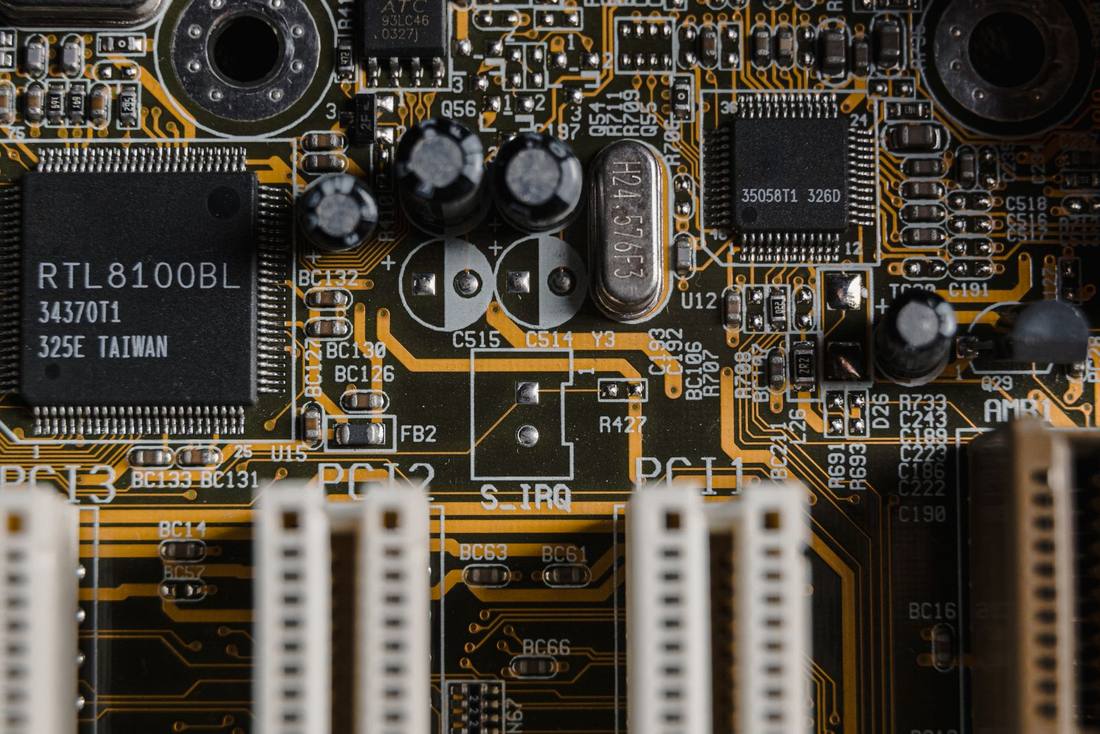
A processor and motherboard - memory, not raw compute, is usually what decides whether a model runs.
Context length multiplies your memory bill.
The advertised context window is not free memory. A model that accepts 128k tokens must hold the attention state for all of them, and that state grows with both context length and model size. Practical implication: loading a model "at its max context" can double or triple RAM use compared to a typical 4-8k working context. Budget for the context you will actually run - most local workloads live comfortably in 4k-16k - and leave headroom above that for the KV cache, activations and operating system. The machines that disappoint are the ones sized to the context headline rather than to the workload.
Long documents have a cheaper path than long context. If your use case is Q&A over large documents, retrieval (RAG) typically beats max-context loading: embed the documents, retrieve the relevant slices, and run the model on a few thousand tokens of context. Same effective coverage, a fraction of the memory, faster responses. Max context earns its cost when the task genuinely needs to attend across the whole document - long-code refactors, full-contract review - and those are rarer than the marketing suggests.
Test with your real workload before buying hardware.
Synthetic benchmarks flatter; your workload does not. The decisive test is your own: load the exact model and quantisation you plan to run, at your real context length, and measure two things - tokens per second and memory headroom during a long session. Throughput below a few tokens per second feels broken for interactive use regardless of benchmark scores; memory that creeps to the ceiling over a session means the next long document crashes you. Run this test before any hardware purchase, using free demos and community-reported figures to shortlist, because the difference between "runs" and "runs well" is exactly what spec sheets omit.
Plan for the session, not the single request. Real usage is a session: open the app, work for an hour, accumulate context. Memory behaviour over a session differs from a cold start - caches grow, chat histories accumulate, some runtimes hold freed memory. The configuration that works is the one tested at the end of a realistic session, with your actual conversation pattern, on hardware with ten to twenty percent headroom above the observed peak. That headroom is what lets you keep working when the interesting problem turns out to be bigger than expected.
Frequently Asked Questions
How much RAM do I need for a 7B LLM?
At 4-bit quantisation, roughly 4–5 GB plus context overhead - about 6–8 GB total is comfortable. At 8-bit, double that. Without quantisation (16-bit), a 7B model needs about 14 GB, which is why quantisation is the default for local use.
Does quantisation hurt model quality?
4-bit quantisation causes a small quality drop that is barely noticeable for most everyday tasks; 8-bit is nearly indistinguishable from full precision. For specialised or high-stakes tasks, test both and compare. The memory savings usually outweigh the small trade-off.
Can I run a 70B model on a gaming PC?
At 4-bit quantisation a 70B model needs roughly 40-45 GB just for weights, which means dual-GPU setups, 48-64 GB unified-memory machines, or heavy CPU offload that drops speed below comfortable interaction. On a typical single-GPU gaming PC, 30B-class at 4-bit is the practical ceiling - still very capable, and far faster than a marginal 70B run.
Does quantisation hurt quality?
4-bit quantisation costs a little quality that most users barely notice in chat and light coding; 2-bit costs more and shows in reasoning-heavy tasks. The practical default is 4-bit from a reputable quantiser. If quality matters for a specific task, compare the quantised model against the official benchmark numbers for the full-precision original - published evaluations of popular quants make this easy.